If you walk into an office, a design studio, or a university computer lab, you will notice an intriguing phenomenon. Even when two people use computers with nearly identical hardware configurations, one might describe the system as fast and stable, while the other says it struggles.
In most cases, this difference has little to do with the performance of the hardware itself.
When you tell a computer what to do, it complies. System components used primarily for displaying documents, sending and receiving emails, and participating in video conferences perform vastly different tasks than components used for technical simulations or high-resolution media editing. The tasks running on the hardware change, but the hardware itself does not.
Consequently, it is easy to draw the wrong conclusions when comparing different components without considering the actual day-to-day work. A configuration that is extremely useful for one type of work might be completely useless for another. Moreover, if the tasks rarely utilize the hardware’s advanced capabilities, purchasing the latest hardware will not necessarily improve the computing experience.
Therefore, the first step in selecting components is understanding the work itself.
Workloads Shape Hardware Priorities More Than Product Categories
People often compare processors or storage devices, assuming that the fastest option automatically yields the best system.
Engineers typically approach problems differently.
They do not start with specific products; instead, they examine how the work actually proceeds within the computer. Does the task require heavy computation? Is there a constant need to read and write data? Is rapid communication between multiple programs required, or must a large task run for an extended period? Different design schemes place different loads on various parts of the platform.
For instance, a computer organizing thousands of photos will spend a lot of time processing large volumes of files. A computer used primarily for web-based business software requires constant interaction with browsers, online services, and communication tools. At first glance, these two systems may appear similar, but the tools they require to operate are quite different.
Therefore, our goal is not to find the most powerful hardware for every situation, but to identify the hardware characteristics best suited for day-to-day work.
Daily Computer Use Typically Involves a Mix of Different Tasks
When people talk about speed, they sometimes assume a computer can only perform one task at a time. In reality, however, daily usage varies significantly.
In the morning, you might have multiple browser tabs open while answering emails, downloading files in the background, attending video conferences, editing spreadsheets, and syncing files with cloud storage. Although these tasks seem simple in isolation, their combined workload differs drastically from that of a single benchmark.
Because many tasks run simultaneously, the computer constantly balances workload, memory resources, storage access, and network communication.
That is why a well-balanced platform usually performs more smoothly than one optimized for a specific domain. Maintaining consistency and delivering optimal performance are equally important, as tasks shift throughout the day.
Understanding Different Terms, Which Helps in Comparing Individual Components
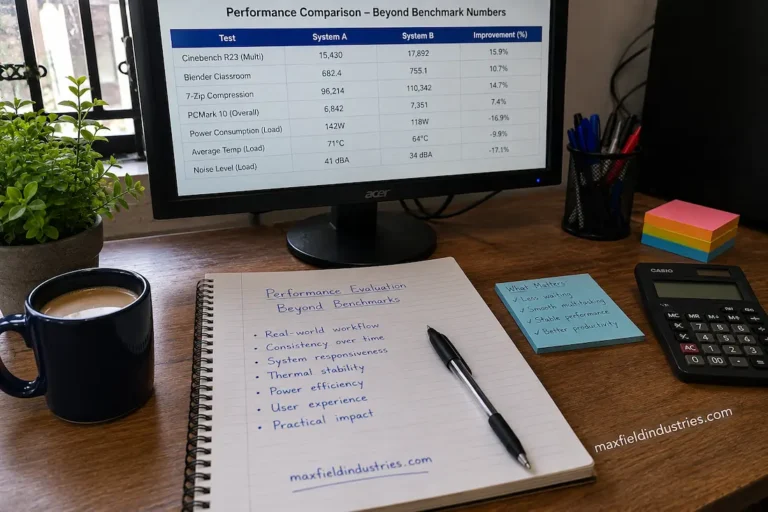
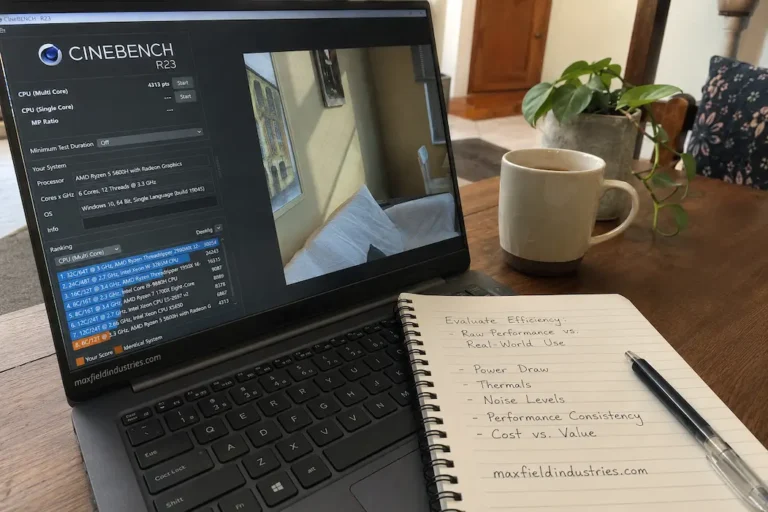
Similar performance figures can mask vastly different user experiences. Benchmark charts are useful because they allow you to test hardware in a controlled environment. However, they are less effective at explaining how different systems perform under varying workloads.
Consider, for example, two computers running the same standard speed test and achieving virtually identical scores.
The first computer remains responsive while copying large files, installing background updates, and running multiple office applications simultaneously. The second computer achieves roughly the same score but slows down significantly when multiple tasks compete for resources.
Based on the benchmark data, the two systems appear very similar.
In practice, however, they are quite different.
This illustrates an important concept: the overall experience of using a computer depends on the hardware’s ability to handle constantly changing workloads, not on its performance in a single controlled test.
Comparing Components Implies Comparing Processes
When evaluating hardware, professionals typically compare workflows first, followed by the products themselves.
Software developers may need to constantly compile projects, switch between development tools, test applications, and consult technical documentation on a daily basis. Their computers spend most of their time rapidly switching between tasks.
Those who produce long-form videos operate differently. Editing, previewing, rendering, managing media assets, and exporting the final project place different demands on the system, and these operations are often time-consuming.
Strictly speaking, neither workflow is inherently more demanding than the other; they simply place different types of loads on the equipment.
Viewing component selection through the lens of workflow helps explain why the same upgrade recommendations do not always apply to everyone. Hardware selection should not be based on generic performance descriptions but should instead align with the specific pace of work.
Resource Demand Changes Throughout the Day
A computer rarely operates under constant conditions.
Software updates, large downloads, automatic backups, or resource-intensive applications may interrupt periods of light activity. As these transitions occur, the importance of different hardware components shifts accordingly.
The following examples illustrate how workload patterns influence system behavior.
| Everyday Activity | Resource That Often Becomes More Important |
|---|---|
| Working with many open applications | Memory management and overall system responsiveness |
| Large file organization | Storage performance and file handling efficiency |
| Long computational tasks | Sustained processor performance and thermal consistency |
| Frequent online collaboration | Stable network performance and balanced multitasking |
| Mixed office productivity | Coordination between multiple hardware resources rather than one exceptionally fast component |
Notice that the same computer may emphasize different resources at different times of the day. Component evaluation therefore benefits from considering workload diversity instead of focusing exclusively on isolated performance measurements.
Good Component Choices Reduce Friction Instead of Chasing Maximum Performance
The purpose of selecting hardware is not simply to increase numerical performance. It is to remove unnecessary obstacles from the work being performed.
If applications pause while switching between projects, the most valuable improvement is the one that eliminates those interruptions. If large datasets require lengthy processing, reducing completion time becomes far more meaningful than improving tasks that were already sufficiently rapid.
This way of thinking shifts the discussion away from abstract specifications and toward practical outcomes.
Rather than asking whether one component outperforms another in every possible situation, the more useful question becomes whether it improves the activities that occupy the greatest portion of the user’s day.
That perspective often leads to component choices that appear modest on paper but provide noticeably better long-term satisfaction because they address real workflow requirements rather than theoretical maximum performance.
The “Best” Component Depends on What Happens Most Often
Hardware comparisons often focus on exceptional situations—maximum processor utilization, peak storage throughput, or the highest benchmark score recorded under carefully controlled conditions. Everyday computing follows a different pattern.
Most systems spend the majority of their operating life performing ordinary, repetitive work rather than continuously operating at full capacity.
This distinction changes how component choices should be evaluated.
A workstation that spends six hours each day compiling software may benefit from hardware priorities that differ significantly from another computer used primarily for communication, document preparation, and web-based business applications. Likewise, a research system processing large datasets throughout the week has different requirements from a family computer that alternates between online learning, media playback, and general productivity.
The effectiveness of a component therefore depends less on its theoretical maximum capability and more on how frequently its strengths align with the work performed most often.
Hardware Should Complement the Entire Workflow
Individual tasks are usually interconnected.
Preparing a presentation may involve researching information online, editing graphics, managing cloud storage, participating in video meetings, and reviewing spreadsheets before the final document is completed. Each stage relies on different combinations of hardware resources.
Improving only one stage of that workflow does not automatically transform the entire experience.
Suppose a system processes exported files more quickly after an upgrade but still spends considerable time waiting for network synchronization or loading project assets from external storage. Although one operation has become faster, the complete workflow changes far less than expected because several other stages continue operating at their previous pace.
This broader perspective explains why experienced system designers often evaluate complete workflows rather than isolated applications. They seek improvements that reduce delays throughout the working process instead of maximizing one performance measurement that occurs only occasionally.
Component Choices Influence How a System Ages
Selecting hardware is not simply about today’s workload. It also affects how comfortably the computer adapts as software evolves.
Applications often change over several years. New features appear, security mechanisms become more sophisticated, operating systems introduce additional background processes, and file sizes gradually increase. These developments change how the system uses resources, even when the user’s daily habits remain largely consistent.
For this reason, thoughtful component selection considers reasonable growth rather than only present requirements.
That does not mean purchasing the most powerful hardware available in anticipation of every possible future need. Instead, it means avoiding configurations that already operate close to their practical limits, leaving little flexibility for gradually changing workloads.
A system planned with moderate operating headroom often remains useful longer than one optimized exclusively for current conditions.
Looking for Balance Instead of Dominance
An intriguing pattern appears in many well-designed computers.
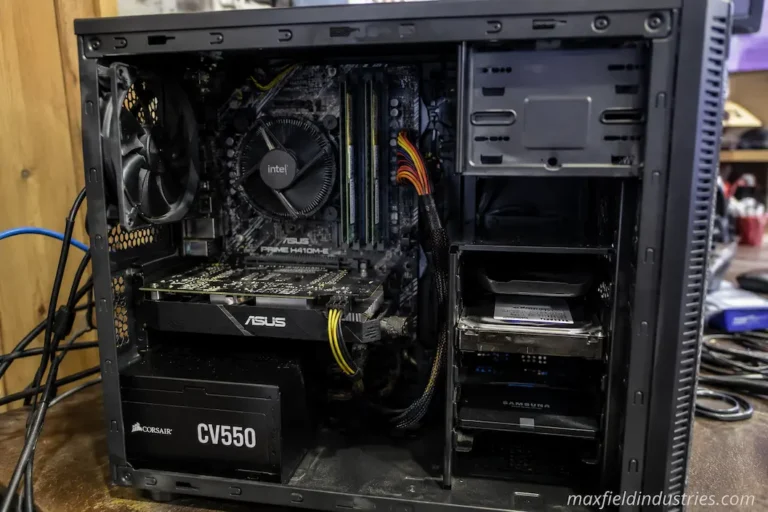
Rather than containing one extraordinarily powerful component surrounded by comparatively modest hardware, they often consist of parts that complement one another closely. None of the major subsystems consistently waits for another to complete its work, and resources remain available as workloads shift throughout the day.
This balance contributes to an experience that feels dependable rather than dramatic.
The relationship can be viewed from a systems perspective.
| Workload Characteristic | Hardware Quality That Often Matters Most |
|---|---|
| Frequent switching between applications | Responsive memory management and balanced processing resources |
| Continuous project work over long sessions | Stable thermal behavior and sustained performance |
| Large collections of documents or media | Efficient storage organization and consistent data access |
| Mixed professional productivity | Good coordination between processor, memory, storage, and graphics resources |
| Long-term everyday computing | Overall platform balance rather than exceptional capability in one area |
The emphasis shifts away from finding the strongest individual component and toward building a platform whose parts support one another effectively.
Changing Work Habits Can Change Hardware Priorities
Hardware advice often operates on the assumption that the machine will never have to handle a heavier workload than it does at that moment.
That assumption isn’t always correct.
Someone currently using a computer solely for office tasks might later start editing training videos, learning to program, analyzing larger datasets, or using more complex design software. The system faces an increasingly heavy load, while the hardware itself remains unchanged.
Therefore, the chosen components need to be flexible enough to adapt to changing practical needs without requiring immediate replacement.
Accounting for expected growth is not the same as buying performance you don’t need. It is about anticipating how your work might reasonably evolve over the coming years and selecting hardware that can adapt to those changes without becoming unbalanced.
Comparing Components Is Ultimately About Solving Problems
Discussions about hardware sometimes devolve into a contest of specifications, model numbers, or benchmark results.
In reality, every component is designed to solve a specific problem.
More memory is useful when programs require more workspace than the current system can smoothly provide. Faster storage is valuable when moving or viewing large amounts of data causes delays. And if processing power is hindering your workflow, a faster processor is the priority.
If those situations don’t arise, the benefit may be smaller than expected.
This problem-oriented approach helps people make more informed choices, as hardware is evaluated based on the problems it solves rather than its position in a product hierarchy.
Choosing the right components is much easier when you fully understand the problem.
Viewing Hardware from a Usage Perspective
Discussions about technology often focus on peak performance, as high numbers grab attention and simplify comparisons. However, the computers used in daily life tell a different, less flashy story.
People typically switch between programs, review information, consult colleagues, organize files, and work on projects involving a variety of tasks. The user experience is superior when the platform works well as a whole, rather than relying on the outstanding performance of a single component in isolation. Viewing hardware from this practical perspective allows people to make choices based on real-world usage rather than just theoretical capabilities. It becomes clear that selecting the right components is less about acquiring the latest technology and more about assembling a system with capabilities that seamlessly align with daily workflows.
Conclusion
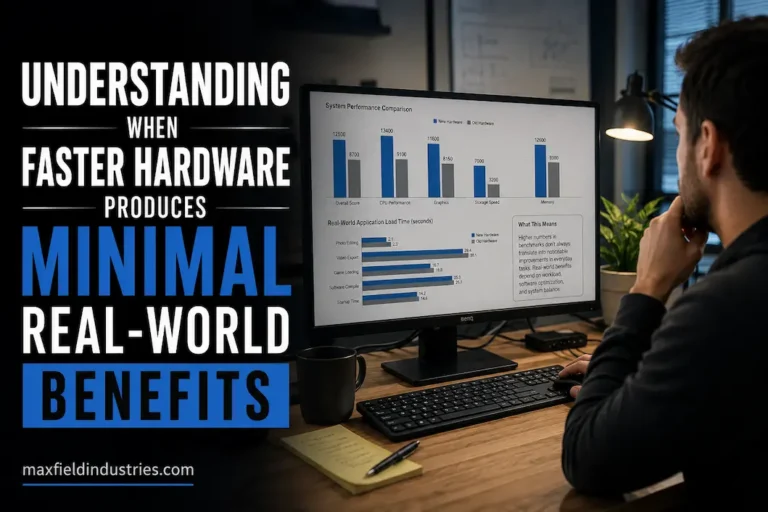
Comparing computer hardware without considering the daily workload provides only a partial picture. Hardware value depends on the tasks it performs, the environment it operates in, and how it connects to other components. Hardware that performs well in one workflow might be useless in another, as every workflow places different demands on computing resources.
When selecting hardware, consider your daily usage to make a better choice. Instead of blindly aiming for the highest specifications, focus on identifying recurring tasks, determining the necessary resources, and then choosing hardware that genuinely improves efficiency for those tasks. This approach notだけ makes the system more appropriate for the user’s needs but also ensures that technology is actually utilized for practical work, rather than just for achieving better benchmark numbers.
FAQs
1. Why do different types of work require different technological priorities?
Applications utilize computing resources in different ways. Some tasks rely heavily on raw processing power, while others depend on storage responsiveness, available memory capacity, or overall system performance. In practice, hardware performs better when you tailor it to the specific task.
2. Can two people benefit from using different hardware, even with identical computer configurations?
Yes. How you use your computer influences the value of your hardware. Different processes utilize system resources differently, so even systems with very similar configurations may require different optimal hardware choices.
3. Is a balanced hardware configuration generally better than a single high-performance component?
Yes, for many daily tasks. The better balanced the system, the more efficiently it uses resources and the better it handles various tasks, rather than just a few.
4. Will changes in future workloads affect the choice of hardware?
Planning for reasonable future growth is crucial, especially if software requirements might change. Choosing upgradeable hardware can extend your computer’s lifespan without incurring high costs.
5. Can you select the right computer components based solely on benchmark scores?
When choosing hardware, you need to consider factors beyond benchmark scores. You must also take into account the system’s overall performance, the workload it needs to handle, and its compatibility with other hardware.