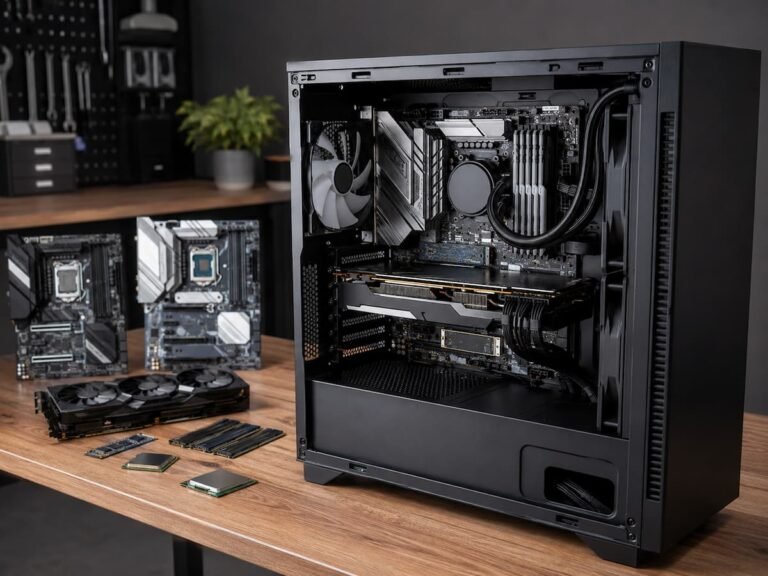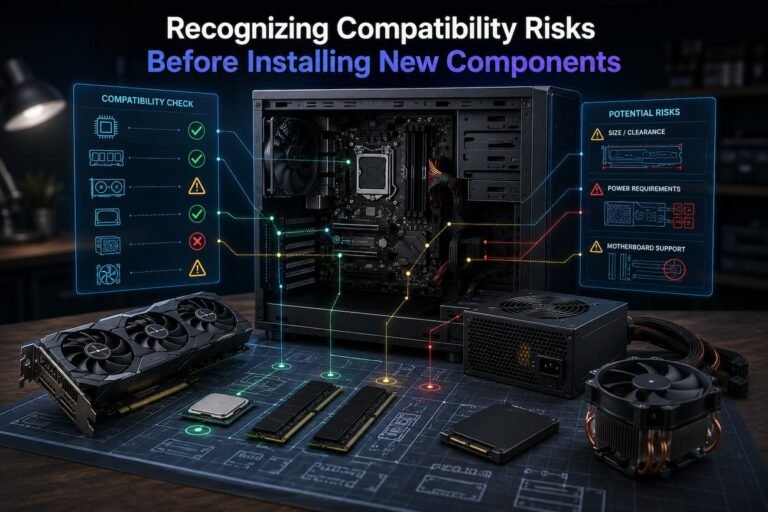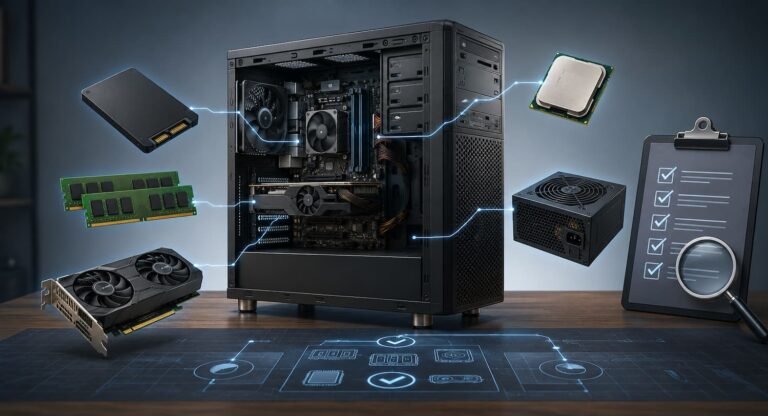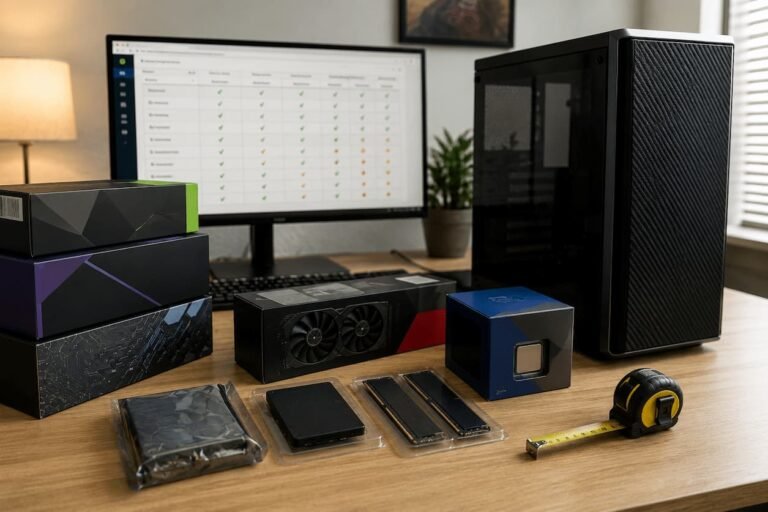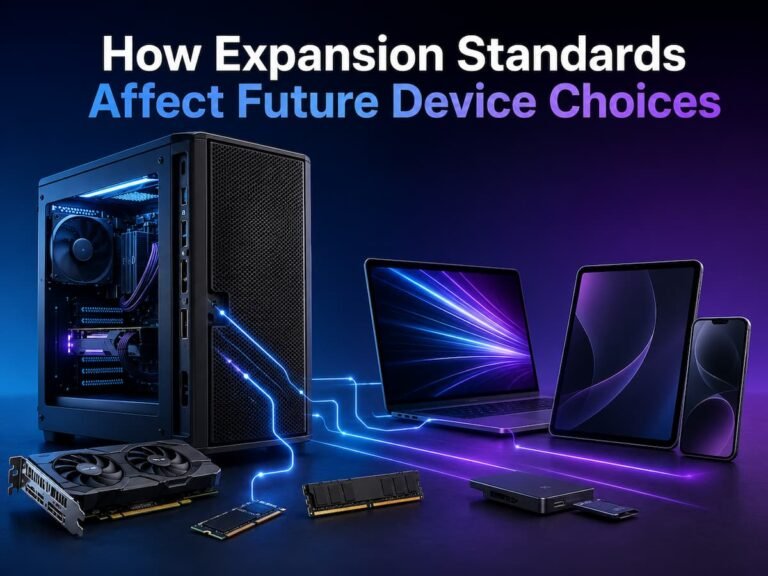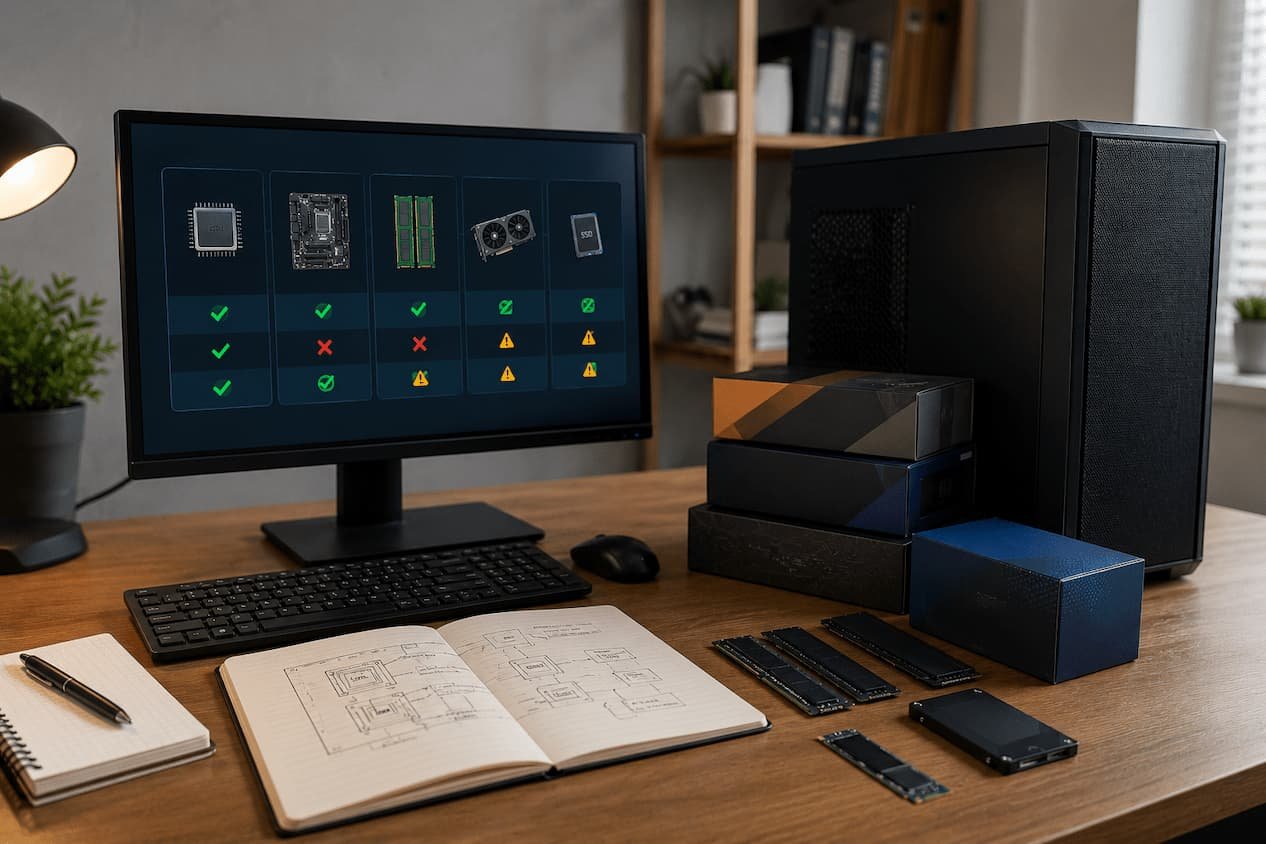
Platforms include the motherboard, CPU socket, chipset, memory technology, expansion interfaces, firmware, power delivery, physical design, and other components that make up a computer system. These aspects can set boundaries that aren’t obvious when you buy the machine. A motherboard may support a few processors. Memory may be permanently attached to a laptop. A small desktop may not have enough power or cooling for a future graphics card.
Understanding these constraints can improve your buying decisions and prevent unreasonable upgrades. Avoid presuming that any computer can be upgraded indefinitely by identifying which parts are changeable, which are restricted, and when a future upgrade may necessitate replacing multiple components. Here are the most important platform constraints and how they affect long-term computer upgrade strategy.
A Computer Platform is What?
Basically, a computer platform is hardware and technological standards that specify what components function together. It underpins the system. Desktop platforms typically contain the motherboard, processor socket, chipset, memory standard, expansion slots, storage interfaces, firmware, and power delivery system. The platform’s expansion potential depends on the case, power supply, and cooling system.
A motherboard may support a specific processor family and memory generation. Despite having two M.2 storage spaces and multiple PCI Express slots, installing one device may restrict availability. The power supply may also impact if the system can support a more powerful graphics card. This limits upgrade potential at the system level. It’s not enough to look at the processor or motherboard. A platform with an upgrade route lets you boost performance later. Even if the computer runs well at first, a platform with tightly integrated or soldered components may limit adaptability.
Why Platform Limits Matter
The worth of a computer over several years depends on platform restrictions. A system that satisfies your needs now may become limiting if key components cannot be upgraded. Imagine buying a PC with enough RAM for your task but discovering the RAM is soldered to the motherboard. You may be unable to increase RAM if your apps become more demanding.
Desktops with older socket processors are another example. A faster processor may not be supported by the motherboard. A CPU upgrade may require a new motherboard and RAM. A simple processor upgrade can become a platform replacement. Understanding these restrictions helps you determine if an improvement will be easy, expensive, or unfeasible. Computer upgradeability depends on the platform. Replacement of one component does not guarantee system compatibility with future devices.
Processor Sockets and Upgrade Limits
One of the biggest desktop upgrading constraints is the processor socket. CPUs must be physically and electrically compatible with motherboard sockets, although this does not ensure support. Processor platforms support a set of CPU generations. When a manufacturer changes a socket or platform, older motherboards may not support newer processors.
CPU upgrades may get more difficult. A motherboard may accept multiple CPUs in its generation, letting you upgrade from an entry-level to a high-performance one. However, no compatible CPU may offer a viable upgrade. Check the motherboard processor support list when buying a desktop for future upgrades. Examine the platform’s present CPU and highest viable processor. Also examine whether the upgrade is meaningful. Although a motherboard can handle a faster processor, the cost of replacing it may outweigh the performance gain.
Chipsets Affect Future Upgrades
Motherboard capabilities depend on the chipset. Processor support, extension features, memory, storage connectors, and other functionalities vary by platform. Two motherboards with the same processor socket may have different upgrade options. More expansion slots, storage connections, or advanced functionality may be added.
Thus, buying a processor with a certain socket does not guarantee future flexibility. Overall design and motherboard chipset matter. A budget motherboard may support your processor but offer fewer expansion choices than a high-end board on the same platform. If you want to add storage devices or expansion cards later, the motherboard’s full feature set is crucial. Consider motherboard specs instead than CPU generation while upgrading.
Firmware, BIOS/UEFI Support
Another platform limitation is firmware, which is easily overlooked. BIOS or UEFI firmware initializes hardware and supports supported CPUs and other components on a motherboard. A firmware upgrade may allow a newer processor to run with an older motherboard. The motherboard may not support the newer processor in other circumstances.
This distinguishes theoretical upgrade compatibility from practicality. A motherboard may contain the right socket, but its firmware may need updating to use a newer CPU. Over time, firmware support may change. Manufacturers may issue upgrades that increase compatibility or stability, but not all future processors will be supported. Check the manufacturer’s processor compatibility list and firmware versions before buying the platform if CPU upgrades are important.
Memory Technology and RAM Limits
RAM is easy to upgrade on many desktops, but it has platform limits. Motherboards select memory generations. Standard memory slots cannot accommodate DDR4 and DDR5 versions. Changing memory generations may involve replacing the motherboard. Motherboards also have memory limits and physical slots. System with four memory slots may have more expansion flexibility than two.
However, additional slots do not guarantee endless expansion. The motherboard may have a maximum capacity, therefore using many modules may compromise performance or stability. Other constraints come from laptops. Memory is soldered to the motherboard in some systems. The RAM specified at purchase may be the maximum capacity for these computers’ entire lifespan. Before buying a computer, consider memory expandability if you expect to retain it for years.
Storage Expansion Limits
You can increase storage easier than a processor, but the platform defines your freedom. Motherboards may have M.2 slots, SATA connectors, or other storage connectivity. The number of connections is just one factor. Some connections may share bandwidth or disappear when a slot is filled. Laptops and small computers may have fewer possibilities. A laptop with one storage slot may need to replace the disk instead of adding another.
Supported storage interfaces matter. Not all M.2 drives fit in M.2 slots. The system interface must match the drive you’re installing. Check storage and expansion options before choosing a long-term computer. A small storage system with numerous upgrade paths may be more flexible than one with a huge drive and no expansion.
PCIe Slots, Expansion Capacity
PCIe is a popular desktop expansion standard. This includes graphics cards, network adapters, storage devices, sound cards, and expansion hardware. PCIe slot number and placement affect future upgrading choices. A motherboard with one expansion slot may work for a simple system but not a workstation that may need more cards.
Physical slot size matters also. A suitable slot may have bandwidth or lane allocation issues. PCIe slots and storage interfaces share resources on some motherboards. Graphics cards are another issue because newer versions are big. A motherboard may fit, but the casing and other components may impede installation. Consider the complete PCIe configuration when assessing desktop expansion possibilities, not just the slots.
Supply & Delivery Power Limits
PC power supplies can hinder future improvements, especially with desktops. A motherboard can accommodate a faster processor or graphics card, but the power supply may not have enough capacity or ports. This is crucial when updating graphics hardware. Power and connections are needed for high-performance graphics cards.
Certain pre-built PCs use power supplies customized for their setup. The power supply may be sufficient for present components but limits future improvements. Processor upgrades might be affected by motherboard power delivery. Despite matching sockets, a motherboard built for lower-power processors may not work well with high-power CPUs. When contemplating upgrades, check if the power supply has enough capacity and connectors for future hardware.
Thermal Limits and Cooling
Another platform disadvantage overlooked while upgrading is cooling. Powerful components generate more heat, which the computer must remove. Compact cases may restrict airflow. A small CPU cooler may work for an entry-level processor but not a high-performance one. Graphics cards also affect temperature. A larger, more powerful card may take up more space and generate more heat.
Poor cooling can prevent a new component from performing consistently, even if it fits and works electrically. The system may slow down to control temperatures. Consider case airflow, fan capacity, CPU cooler, and clearance when upgrading. Cooling should be integral to the upgrade.
Physical and Case Limits
Even if the platform supports newer hardware, a computer’s design may limit future upgrades. Desktop cases vary in size and layout. A compact case may not fit a large graphics card, storage drives, or CPU cooler. Different power supplies have different shapes. If a compact system case requires special design, replacing a power supply may be impossible.
Pre-built desktops can be particularly challenging because manufacturers may use proprietary components or unusual layouts. Standard replacement parts may not always fit. Before purchasing a desktop with future expansion in mind, check whether it uses standard components and whether there is enough physical space for the upgrades you are considering.
Why Laptops Often Have Greater Platform Limits
Laptops are generally less upgradeable than desktop computers because manufacturers prioritize compact designs, low weight, battery efficiency, and tight integration. Memory may be soldered to the motherboard. Processors and graphics hardware are often permanently integrated. Cooling systems are designed specifically for the original hardware, leaving little room for major performance upgrades.
Some laptops allow storage replacement or expansion, but even this depends on the exact model. A laptop may have one M.2 slot, while another may offer two. Some thin systems may have no practical internal upgrade options beyond replacing the storage drive. This means laptop buyers should pay more attention to the initial configuration. If you expect to use the computer for several years, choosing enough memory and storage at the beginning may be more important than assuming you can upgrade them later. For laptops, future-proofing often means choosing the right platform at purchase rather than relying on upgrades later.
How to Evaluate an Upgrade Path
An upgrade path should be evaluated as a sequence rather than a single future purchase. Ask what you can upgrade today, what you could realistically upgrade in two or three years, and which components would need to be replaced together. For example, a desktop platform may allow you to upgrade the RAM and storage independently. Later, you might replace the graphics card. Eventually, a CPU upgrade could require a new motherboard and memory. This is still a useful upgrade path because smaller improvements can extend the system’s life before a larger platform change becomes necessary.
Look for practical upgrade options rather than theoretical compatibility. A platform may technically support a higher-end processor, but if that processor is expensive or difficult to find later, the upgrade path may not be particularly valuable. Also consider your workload. A computer used for office tasks may remain useful with modest upgrades, while a gaming or professional workstation may reach its platform limits sooner.
Questions to Ask Before Buying
- Can the RAM be upgraded later?
- How much memory does the motherboard support?
- How many storage devices can be installed?
- Which processors are officially supported?
- Will newer processors require a firmware update?
- Are there enough PCIe expansion slots?
- Can the power supply support a future graphics upgrade?
- Will the case fit larger components?
- Are standard replacement components used?
- Which components are permanently soldered or integrated?
Common Mistakes When Planning Future Upgrades
One typical mistake is expecting that a newer processor would always function with an older motherboard. Processor generations and sockets change, and chipset or firmware support can cause further limits. Another mistake is focusing just on the motherboard while ignoring the casing and power supply. A motherboard may technically accept a future graphics card, but the system may lack the physical room or electrical capacity required to install it.
Buyers also sometimes assume that all computers with the same processor generation have identical upgrade choices. Motherboard characteristics, memory support, expansion slots, and power delivery might differ greatly between models. A further problem is planning around theoretical upgrades that may not be economically sensible. If a future CPU upgrade involves a new motherboard, new RAM, and a new cooler, it may be best to handle the change as a complete platform upgrade. The best method is staged thinking. Determine which updates can be done independently and when platform replacement is easier.
Conclusion
When designing a long-lasting computer, platform restrictions must be considered. Processor socket, chipset, firmware, memory technology, storage interfaces, expansion slots, power supply, cooling, case design, and component integration determine a system’s upgrade capability. Even though desktops are more flexible, they have limits. A motherboard, casing, and power supply may limit future component power, processor generations, and graphics card size. Laptops have more constraints because many parts are soldered or incorporated.
Finding your realistic future demands before buying is the best technique. Check storage connectors before adding storage. If you can upgrade the GPU, check the power supply and casing. Consider the motherboard’s processor and firmware support before upgrading the CPU. Computer platforms cannot be improved permanently. A comprehensive platform replacement becomes viable as technology and standards evolve. Choose a system with usable, realistic upgrade choices to delay that point. Understanding platform constraints lets you choose with better expectations and less costly surprises.
FAQs
1. What limits future computing advancements most?
No single constraint impacts all computers. Desktop processor sockets and motherboard platforms often limit CPU upgrade availability. Laptop soldered memory and integrated components can limit performance. The power supply, case size, cooling system, and expansion slots can limit upgrades. The combination of these criteria is more significant than any single specification.
2. Does a more expensive motherboard necessarily offer additional upgrades?
Not necessarily. A more expensive motherboard may have more expansion slots, storage connectors, power delivery, or features, but it does not guarantee a better upgrade path. Your future needs determine the best option. A moderately priced motherboard with enough memory slots, storage ports, and expansion capacity may be better than a pricey one with capabilities you’ll never use.
3. Can I replace my CPU without replacing my motherboard?
Sometimes. CPU-only upgrades may be possible if your motherboard and chipset support the new processor’s generation. Firmware support may also be needed. A motherboard replacement is frequently required if the processor uses a different socket or is from an unsupported platform generation. Never buy a CPU without checking the motherboard manufacturer’s processor support list.
4. Why are laptop upgrades harder?
Laptops are compact and integrate components to save space, weight, and power. Memory can be soldered to the motherboard, but processors and graphics devices are usually integrated. Some laptops offer storage increases; however, models vary. Before buying, investigate the laptop design for upgradeability rather than assuming components can be replaced.
5. How can I know if a computer upgrades well?
View the entire platform. Check the motherboard’s CPU support, RAM expansion, storage slots, PCIe slots, and power supply and case capacity for more demanding hardware. Also verify that the system employs standard parts. Most computers with several upgrade choices are more flexible than those with substantially integrated hardware.
6. Is a computer for future upgrades worth buying?
If you expect your workload to increase or plan to keep the computer for years, it may be worth it. However, spending much more for extra features you may never use is not always wise. Best to establish realistic future needs and choose a platform that can meet them. Focus on meaningful flexibility rather than system compatibility with every new technology.
7. Upgrades become platform replacements when?
When multiple core components are replaced, an upgrade becomes a platform replacement. A newer processor may require a new motherboard and a different memory generation. If the power supply and cooling system need replacement, the cost and complexity can rival building or buying a new computer. Compare upgrading’s cost and performance versus starting with a newer platform.